As organizations adopt more SaaS applications, on-premises systems, and cloud services, managing employee identities and access becomes increasingly complex. This is more than a user experience challenge.
Compromised credentials were an initial access vector , highlighting the importance of identity and credential security in enterprise cybersecurity strategies.
An effective enterprise SSO strategy centralizes authentication across supported applications through a single identity platform, reducing the need for employees to repeatedly enter credentials. However, a centralized login alone does not guarantee secure access. By combining SSO with Zero Trust principles and Adaptive Authentication, organizations can apply additional verification based on access context and risk.
Why Do Enterprises Need a Centralized Single Sign-On (SSO) Strategy?
Modern enterprises rely on multiple applications to support business operations, collaboration, data management, and customer services. When an organization uses dozens or hundreds of applications, managing accounts and authentication separately can increase IT administrative workloads and make consistent security enforcement more difficult.
This is where an enterprise SSO strategy becomes essential. Single Sign-On (SSO) allows users to access multiple integrated applications after authenticating through a single identity platform. By implementing centralized authentication, organizations can simplify login experiences, centralize access policies, and reduce reliance on application-specific passwords.
Password Fatigue Risks and Employee Access Security Gaps
Password fatigue occurs when users must remember and manage numerous username and password combinations across different services. As the number of credentials grows, users may resort to predictable passwords, reuse passwords across applications, or store credentials using insecure methods.
Single Sign-On helps reduce the need for users to enter separate passwords for every application that supports SSO. Once users authenticate through an identity provider, integrated applications can accept the authentication result according to the relevant protocols and security policies.
However, SSO does not eliminate all password-related risks. If an employee's primary identity account is compromised, an attacker may attempt to access multiple connected applications. Therefore, organizations should complement SSO with multifactor authentication (MFA), appropriate session policies, activity monitoring, and timely access revocation when users no longer require access.
Consolidating Access Across On-Premises, SaaS, and Multi-Cloud Applications
Enterprise IT environments often combine internal applications hosted in corporate data centers, SaaS platforms, and services distributed across multiple cloud environments. Each application may have different authentication mechanisms, account structures, and integration requirements.
Enterprise SSO helps unify these authentication experiences through a centralized identity platform. With appropriate integrations, employees can access assigned applications without repeatedly signing in as they move between services.
By consolidating access, organizations can reduce fragmented identity management and establish a more consistent user experience. However, centralization must also be supported by strong identity provider protection, strict administrative controls, and recovery plans for identity service disruptions.
Two important components of this approach are:
Identity federation: Enables identity providers and applications to exchange authentication information through agreed protocols, allowing applications to accept valid authentication results from a trusted identity provider.
Application access management: Helps IT teams control which applications users can access, enforce access policies, and manage application assignments based on job requirements.
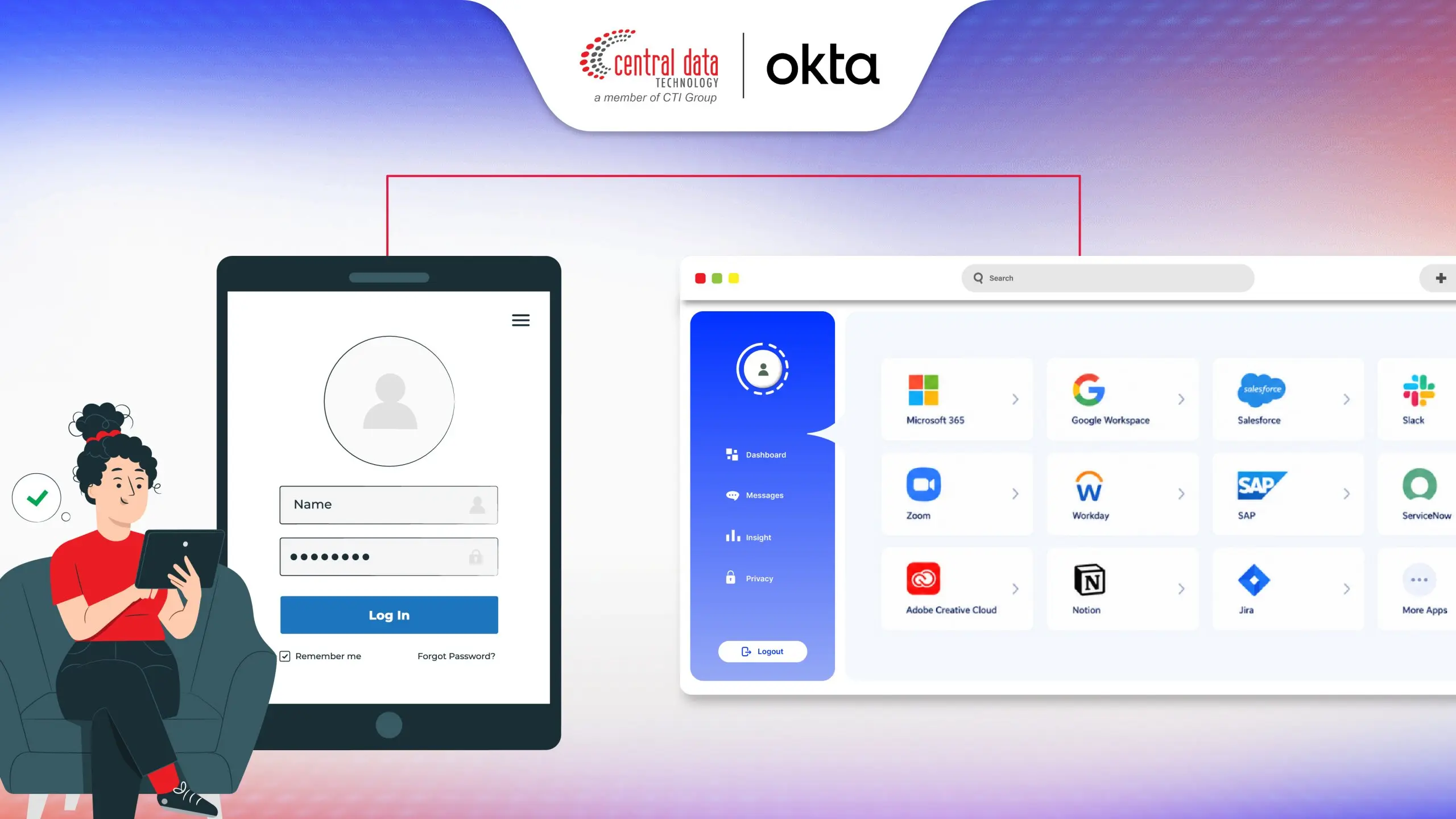
Okta Single Sign-On (SSO) helps organizations simplify access to multiple enterprise applications through a centralized identity platform. After successfully authenticating, users can access integrated applications without entering separate credentials every time they switch between services. This approach supports a more consistent authentication experience across SaaS, on-premises, and other enterprise applications while reducing the burden of managing multiple passwords.
From an IT management perspective, Okta SSO supports centralized authentication and application access management, helping IT teams manage application integrations and access policies through a single platform. Identity federation enables authentication information to be exchanged between the identity provider and integrated applications. With support for standards such as SAML 2.0 and OpenID Connect (OIDC), as well as integration with compatible enterprise identity environments, organizations can build a more structured access architecture aligned with their application requirements.
This centralized approach can help reduce password fatigue, simplify identity management, and improve efficiency as employees move between business applications. However, SSO does not eliminate every account takeover risk. Organizations should complement it with strong authentication policies, appropriate access rights, and additional security controls to protect the identity platform as a critical component of the enterprise access architecture.
Applying Zero Trust Principles to Enterprise SSO Strategy
SSO simplifies the login process, while Zero Trust governs how trust and access permissions are established. Although they serve different purposes, they complement each other within an enterprise identity security strategy.
Zero Trust principles emphasize that access should not be granted merely because a user is connected to the corporate network or has successfully authenticated in the past. Each access request should be evaluated against identity, access conditions, resource sensitivity, and applicable security policies.
Within an enterprise SSO strategy, organizations can apply these principles by combining centralized authentication, MFA, contextual access controls, and risk evaluation. This creates a more structured access environment without assuming that every authenticated session is automatically safe.
Understanding Never Trust, Always Verify at the Identity Provider (IdP)
Never trust, always verify means organizations should not automatically trust an access request solely because a user claims a particular identity or has authenticated successfully before.
An identity provider (IdP) verifies user identities and provides authentication results to integrated applications. However, successful authentication does not automatically authorize a user to access every application or corporate resource.
Zero Trust implementation at the identity layer can include:
Identity verification: Ensuring users meet the required authentication standards.
Context evaluation: Considering information such as device details, IP addresses, location, and login behavior.
Least-privilege access: Restricting users to the applications and resources required for their responsibilities.
Policy-driven reassessment: Requesting additional authentication when access conditions or risk levels change.
Integrating Adaptive Authentication & Contextual Access Controls
Adaptive Authentication allows organizations to adjust authentication requirements according to the context and risk level of an access request. This differs from static policies that apply the same requirements to every login without considering changing circumstances.
For example, an employee accessing a business application from a recognized device with normal login behavior may follow the standard authentication process. However, if a login originates from a new device, an unusual location, or suspicious activity patterns, the system can request MFA or additional verification according to the configured policies.
Adaptive Authentication does not replace every other security control. Its effectiveness depends on the quality of risk signals, policy design, application integrations, and ongoing monitoring and optimization.
Okta Adaptive Authentication complements an SSO strategy by adjusting authentication requirements according to the context and risk level of an access request. Rather than applying identical requirements to every login, this approach allows organizations to consider signals such as user behavior, device information, location, and other contextual factors when determining whether additional verification is necessary. Authentication decisions can therefore be aligned with security policies and the conditions surrounding each access attempt.
Through risk-based authentication policies, organizations can define different responses to different access conditions. For example, a login from an unrecognized device or an unusual activity pattern may trigger additional authentication requirements, such as MFA, when supported by the configured policies and capabilities. This enables IT and Security teams to strengthen controls for higher-risk access without imposing the same level of friction on every login.
Within a Zero Trust strategy, Okta Adaptive Authentication supports the principle that access should be evaluated based on identity, context, and risk rather than relying solely on a previous successful login. When combined with Okta SSO, organizations can streamline application access while applying more adaptive authentication controls. Effective implementation still requires appropriate policy configuration, risk signal evaluation, and periodic testing to maintain a balance between security protection and user experience.
A Framework for Migrating to Enterprise SSO Without Disruption
Enterprise SSO migration should be implemented incrementally, particularly when organizations depend on legacy applications, business-critical internal systems, and diverse cloud services. The objective is to improve authentication consistency without disrupting operations or interrupting necessary user access.
A phased approach gives IT teams opportunities to identify compatibility issues and application dependencies before expanding deployment. Each phase should have defined success criteria, assigned owners, rollback plans, and emergency access procedures.
The following framework provides a practical starting point:
Assess the existing identity environment: Evaluate current identity providers, directory services, authentication mechanisms, access policies, and known security risks.
Map applications and dependencies: Inventory SaaS, on-premises, and cloud applications. Identify application owners, user groups, data sensitivity, and available authentication methods.
Prioritize integrations: Start with applications that have significant business impact, elevated credential risks, and suitable SSO protocol support.
Run a pilot implementation: Test a limited set of applications and users to validate authentication, user experience, access policies, and recovery procedures.
Execute a phased rollout: Expand integrations according to priority and pilot results, supported by user communications, documentation, and technical assistance.
Monitor and optimize: Track login failures, suspicious activity, access changes, and integration issues to improve policies over time.
Mapping Directory Services Architecture (Active Directory/ LDAP)
Before implementing centralized authentication, organizations need to understand how user identities are currently managed. Active Directory and LDAP-based directory services, for example, can provide account, group, and user attribute information required for identity integration.
A well-defined identity mapping process helps prevent duplicate accounts, attribute inconsistencies, and excessive access during integration. Organizations should also establish synchronization rules, identity data ownership, and procedures for resolving account conflicts.
Not every legacy application supports federated SSO directly. IT teams should evaluate compatible integration options and understand their limitations before selecting a migration approach. The initial assessment should cover:
Identity source: Identify the directory or system that serves as the authoritative source of identity data.
User and group mapping: Map user accounts, departmental groups, and relevant access groups.
Roles and entitlements: Identify the applications and permissions required for each role.
Application dependencies: Examine dependencies on directories, local authentication, service accounts, or application-specific login mechanisms.
Identity lifecycle: Ensure onboarding, role changes, and offboarding processes trigger the appropriate access adjustments.
Aligning Protocol Standards: SAML 2.0, OAuth 2.0, and OIDC
A successful enterprise SSO strategy depends on more than the identity platform itself. Each application must also support an appropriate integration method. Three widely used standards in modern identity architectures are SAML 2.0, OAuth 2.0, and OpenID Connect (OIDC).
Standard | Primary function | Enterprise role |
SAML 2.0 | Exchanges XML-based authentication assertions and identity attributes | Commonly used for federated SSO in enterprise web applications |
OAuth 2.0 | Provides a token-based authorization framework | Enables applications to obtain limited access to resources according to granted permission |
OpenID Connect (OIDC) | Adds an identity authentication layer on top of OAuth 2.0 | Enables applications to verify user identities and support modern SSO |
SAML enables an identity provider to send authentication assertions to a service provider. OAuth 2.0, meanwhile, is designed for authorization rather than serving as a standalone user authentication protocol. OIDC adds an identity layer to OAuth 2.0 so applications can verify users.
Before integrating an application, IT teams should verify protocol support, redirect and endpoint configurations, certificates and token validation, attribute mapping, session lifetimes, and available logout mechanisms.
If an application does not support the required federation standards, alternative integration options should be evaluated for security, compatibility, and operational suitability. Organizations should not assume every application is automatically compatible with every SSO protocol.
Frequently Asked Questions About Enterprise SSO Strategy
1. What is an enterprise SSO strategy?
An enterprise SSO strategy is a structured approach to centralizing authentication and managing user access to multiple business applications through an identity platform. It encompasses application integration, authentication standards, access policies, and identity governance, rather than simply enabling a single login.
2. How does Enterprise SSO differ from regular SSO?
The primary difference is the scope and governance of the implementation. SSO generally allows users to access multiple applications through one authentication process, while an enterprise SSO strategy addresses organization-wide integration planning, identity consolidation, access management, and consistent security policies across applications.
3. Is Enterprise SSO sufficient for implementing Zero Trust?
No. SSO centralizes authentication, while Zero Trust requires access to be evaluated according to identity, context, risk, and applicable policies. SSO should be complemented by controls such as MFA, least-privilege access, monitoring, and appropriate risk evaluation.
4. What is the role of Adaptive Authentication in an SSO strategy?
Adaptive Authentication adjusts authentication requirements based on contextual signals and risk. For example, a policy may require MFA when a login originates from a new device or exhibits behavioral changes considered risky.
5. What role does identity federation play in Enterprise SSO?
Identity federation allows identity providers and applications to exchange authentication information through agreed protocols. This enables applications to accept authentication results from a centralized identity provider without independently managing every login process.
6. Can Enterprise SSO support SaaS and on-premises applications?
Yes, provided the applications support appropriate integration methods or have viable alternative integration mechanisms. Actual support depends on the protocol, application architecture, and identity platform configuration.
7. How can organizations begin Enterprise SSO migration without disrupting operations?
Start by assessing the identity environment and inventorying applications. Then map dependencies, prioritize integrations, conduct a pilot, and expand deployment in phases. Each stage should include testing, user communications, monitoring, and rollback and emergency access plans.
Simplify and Secure Your Enterprise Identity Access with CDT
Managing access across multiple enterprise applications requires a balance between usability and identity protection. Centralized SSO simplifies authentication and reduces the need to manage separate application passwords. Adaptive Authentication complements this approach by enabling additional verification when access context and risk warrant it.
Okta enables organizations to streamline access to SaaS, on-premises, and cloud applications while assessing their identity architecture, integration requirements, and security policies in alignment with industry standards.
As part of CTI Group, CDT is an authorized Okta partner ready to support your enterprise SSO and Adaptive Authentication needs. Contact the CDT team today to discuss your enterprise SSO strategy and explore the right approach for your organization.
Author: Ervina Anggraini - Content Writer CTI Group